



The xperiment script offers an easy way to set up A/B tests for websites using a visual editor, similar to how it works with commercial tools like VWO. It provides practical features and is based entirely on JavaScript.
To use the tool, simply paste the code into the JavaScript console of the relevant page and run it (yes, you really shouldn't just copy and paste third-party code into the JavaScript console, but take a look at the code—it's not overly complicated for web developers to understand and can therefore be considered "safe").
xperiment offers the following features:
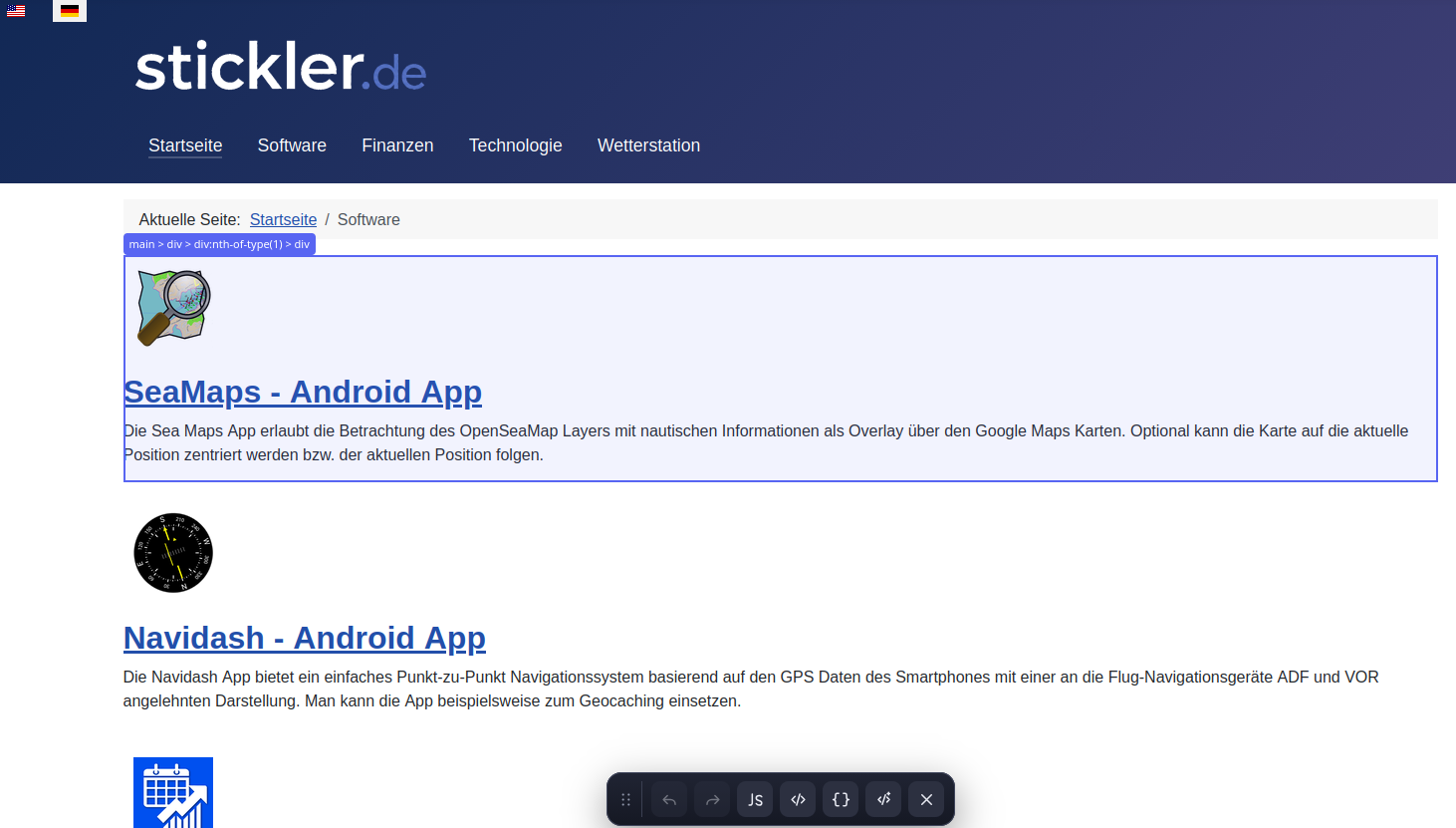
- Visual editor as an overlay on top of the page to be modified as part of the A/B test
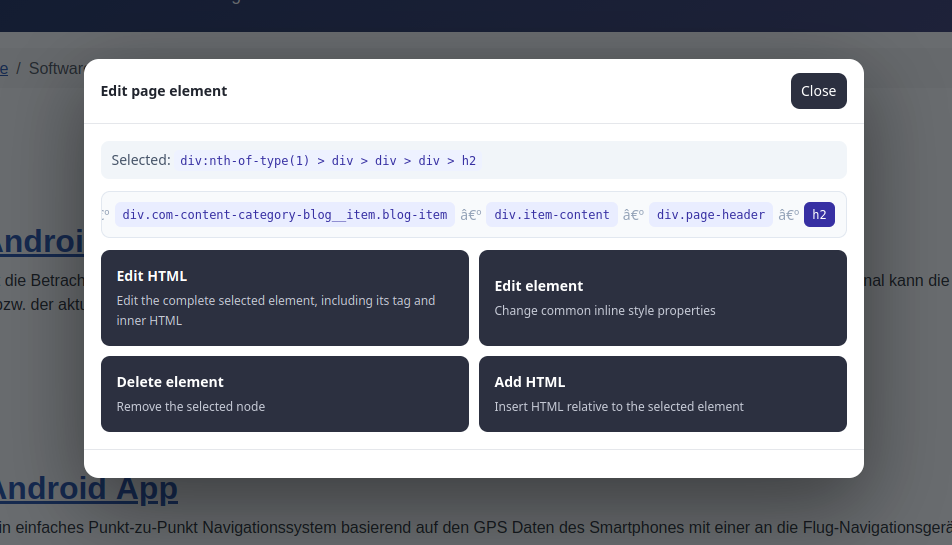
- Direct editing of page elements via element selection
- Edit HTML (dialog for editing the HTML code of the selected element)
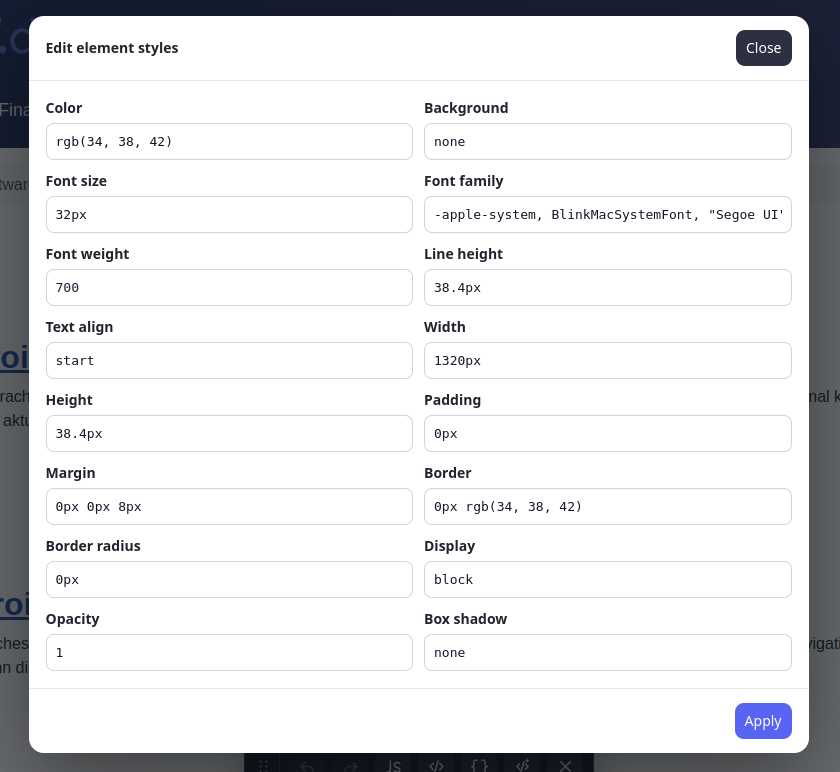
- Edit Element (dialog for modifying style settings such as color, font, background, size, padding, margin, etc.)
- Delete Element (remove an HTML element)
- Add an HTML element with the option to insert it before, after, as the first child element, or as the last child element
- Adding Custom JavaScript Code
- Adding Custom CSS Code
- Changes can be undone using the Undo/Redo function
- All modifications can be viewed, edited, or saved as JSON code for later use
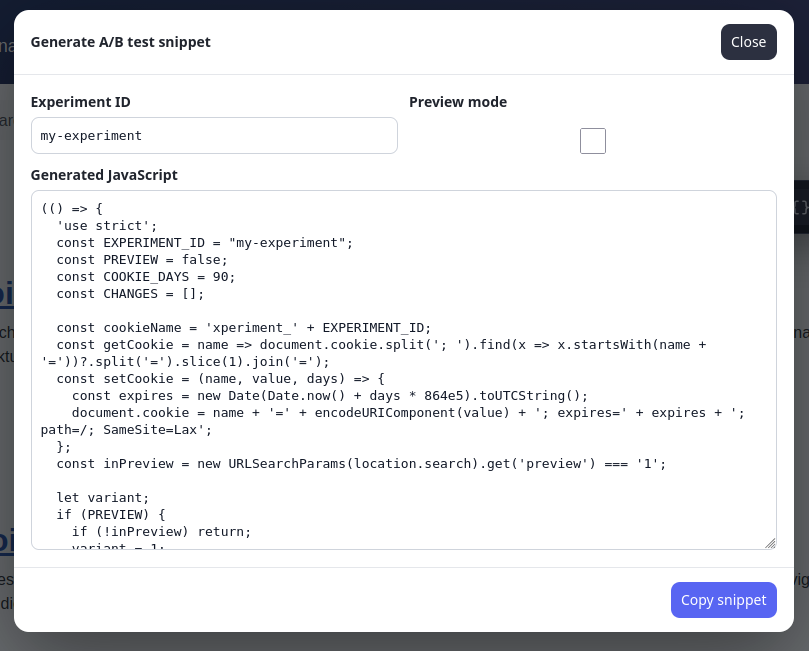
Once all desired variant changes have been prepared, you can generate an A/B test script with a single click. This script can be published via a tag management system (e.g., GTM) to launch the experiment live with the appropriate trigger. For 50% of users, the variant is automatically served using the generated experiment script, and an `expriment_impression` event is sent to GTM, enabling convenient analysis in GA4. In addition, the Experiment ID can be defined in the script, and a preview option is also available.
Screenshots
Download
Das xperiment script can be downloaded using this link.